
Free Printable Daily Planner
Plan your day hour by hour. An editable daily schedule from 6am to 8pm, plus space for priorities, to-dos, and notes. Fill it in here in your browser, then print a clean copy on Letter or A4, or save it as a PDF.
SCHEDULE
PRIORITIES
TO-DOS
NOTES
About This Free Daily Planner Template
This free printable daily planner puts your whole day on one page. The left side is an hourly daily schedule running from 6am to 8pm, with a line for every half hour, so you can time block meetings, appointments, and focused work. The right side keeps the rest of your day in order: three top priorities, a to-do list, and a notes box for anything that doesn't fit a time slot.
Type your schedule and tasks straight into the planner in your browser, then print it. It works just as well printed blank, as a daily schedule template you fill in by hand each morning. You can also save the planner as PDF with your edits made if you prefer a digital copy.
How to Use This Daily Planner Template
Planning your day takes about five minutes:
- Fill in your date: Enter the date at the top of the planner
- Pick your priorities: Choose the three things that must get done today and list them first
- Block out your schedule: Add meetings, appointments, and focus blocks to the hourly schedule, from 6am to 8pm
- List your to-dos: Capture smaller tasks and errands in the to-do list so they don't crowd your schedule
- Print your planner: Click the print button for a clean copy on A4 or letter-sized paper, and check things off as you go
It suits anyone who plans one day at a time: remote workers time blocking deep work, students mapping study sessions around classes, and parents juggling appointments. If you'd rather see the whole week at once, our weekly planner and weekly calendar use the same clean, printable format.
Print a fresh sheet each morning, or print a stack to cover the week ahead.
Create a Unique Look
You can customize your font and color scheme to give your planner a unique look and feel. The fonts and color controls above the planner give you the ability to experiment with different font and color combinations. The styles you select will be automatically applied to the printed/PDF version.
Why Use an Editable Daily Schedule?
Most daily planner sites hand you a static PDF: download it, print it blank, and write everything in by hand. This editable daily planner works the other way around. You type your schedule and tasks in the browser first, then print a copy that's already filled in. No messy handwriting, no PDF editor, and you can keep tweaking your daily schedule right up until you hit print. Reusing your fillable daily planner is just as easy: change the date, adjust your plan, and print a fresh copy for the next day.
Features
Hourly Schedule
Time slots from 6am to 8pm with half-hour lines, ideal for time blocking your day.
Top Priorities
A dedicated section for the three tasks that matter most, so the big things get done first.
To-Do List
Nine checkbox lines for smaller tasks and errands that don't need a time slot.
Notes Space
An open notes box for ideas, reminders, and anything else worth writing down.
Print Ready
Optimized for A4 and letter paper sizes. Print your planner with one click.
100% Free
No sign-up, no downloads, no hidden fees. Use it as many times as you need.
Frequently Asked Questions
Is this daily planner really free?
Yes. The daily planner is free to use, with no hidden fees, no subscription, and nothing to download.
What hours does the daily schedule cover?
The schedule runs from 6am to 8pm, with a full line for each hour and a second line for the half hour. That covers the typical waking day; early risers can treat the first line as an earlier slot, and evening plans fit in the notes section.
Can I print the planner?
The planner is set up for printing on both A4 and letter-sized paper. Fill it out and click the Print button.
What's the difference between a daily planner and a daily schedule?
A daily schedule maps your day hour by hour, while a daily planner also covers tasks, priorities, and notes that aren't tied to a time. This template combines both: an hourly daily schedule on the left and planner sections for priorities, to-dos, and notes on the right.
What is time blocking?
Time blocking means assigning each part of your day to a specific task instead of working from an open-ended list. Write your most important work into the morning slots, group small tasks into a single block, and leave gaps between meetings. The hourly schedule on this planner is built for this.
How do I plan my day effectively?
Start with your three priorities, not your inbox. Put them in the priorities section, block time for them in the schedule while your energy is highest, then fit meetings and errands around them. Keep the to-do list for small tasks, and review the sheet once at midday to adjust.
Why only three priorities?
Limiting yourself to three forces a real decision about what matters today. Long priority lists turn back into to-do lists, and nothing stands out. If you finish all three, the to-do list is right there for what's next.
Should I plan my day the night before or in the morning?
Either works; consistency matters more than timing. Planning the night before lets you start the morning without decisions, while morning planning gives you the freshest picture of the day. Try both for a week each and keep the one you stick to.
Is this better than a weekly planner?
They solve different problems. A daily planner gives each day room for an hour-by-hour schedule, while a weekly planner shows all seven days at a glance. Many people use our weekly planner to set the week's direction on Sunday, then a daily planner sheet to run each day in detail.
Can I use this planner for work and personal tasks?
Yes. The schedule holds meetings and appointments of any kind, and the to-do list works just as well for errands as for work tasks. Many people run their whole day, professional and personal, from a single sheet.
Do I need to download any software to use this planner?
No. This is a web-based daily planner that runs in your browser. Fill it out online and print it whenever you need a physical copy.
Can I save my daily planner?
You can print your completed planner to save it physically, or use your browser's print-to-PDF function to save a digital copy on your computer for future reference.
What size paper should I print this on?
This daily planner is designed to print on standard A4 (international) or Letter-sized (US) paper. The layout adjusts to fit either size.
Can I print a blank daily schedule and fill it in by hand?
Yes. Click print without typing anything and you'll get a blank daily schedule template with the hourly lines, priorities, to-dos, and notes sections ready to fill in by hand. Print a stack and keep them on your desk.
Related Planners
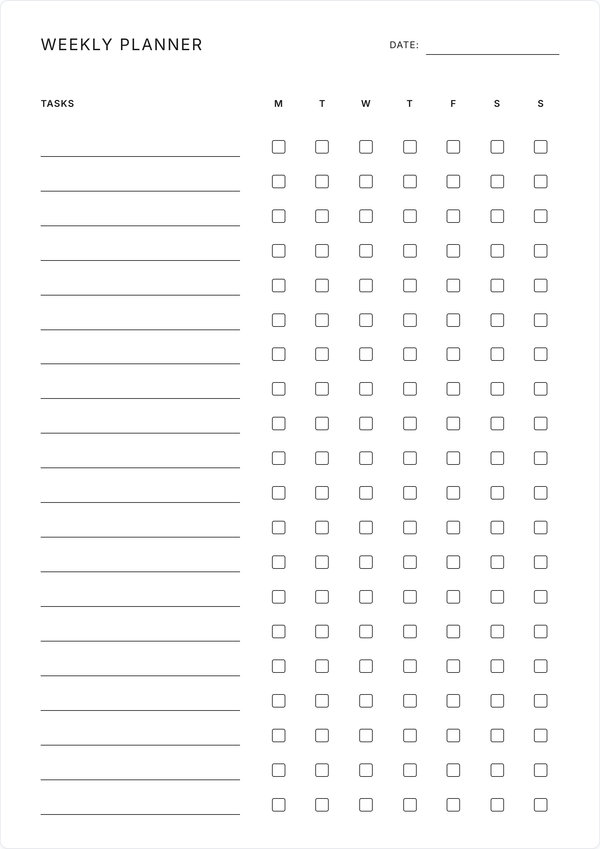
Weekly Checklist Planner
Set the week's direction first, then run each day from this daily planner. Up to 20 tasks with daily checkboxes.
Get Started →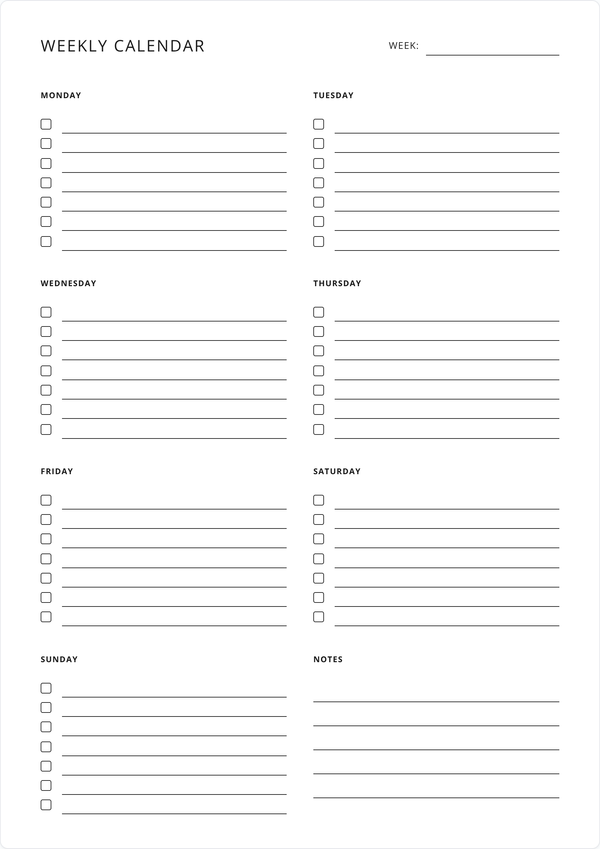
Weekly Calendar
Prefer all seven days on one page? The weekly calendar gives each day its own column.
Get Started →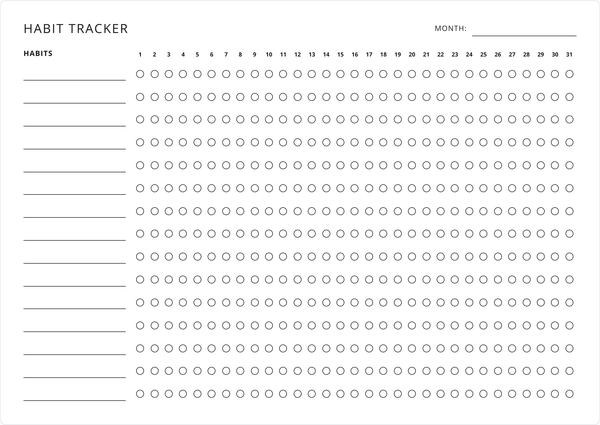
Habit Tracker
Turn your daily plan into lasting habits. Track up to 15 habits across a month or a week.
Get Started →