Free Printable Grocery List Template
Write your shopping under nine grocery sections, then print it on one page. Rename any section to match how you shop, tick items off as you go, and print free on A4 or Letter. You can also save it as a PDF.
About This Free Grocery List
A shopping trip goes quicker when the list is planned out in advance. This free printable grocery list has nine labelled sections for produce, meat and fish, dairy, pantry, and the rest, so each item lands in the right group as you think of it. You can also change these labels to whatever categories suit you best.
How to Use This Grocery List Template
- Type items under each section. Every line has a checkbox, so you can tick things off in the aisle.
- Rename a section by clicking its heading. Change Beverages to Baby, Pet, or anything else you shop for.
- Set the fonts and colors from the panels, then print on A4 or Letter. The whole list fits one page.
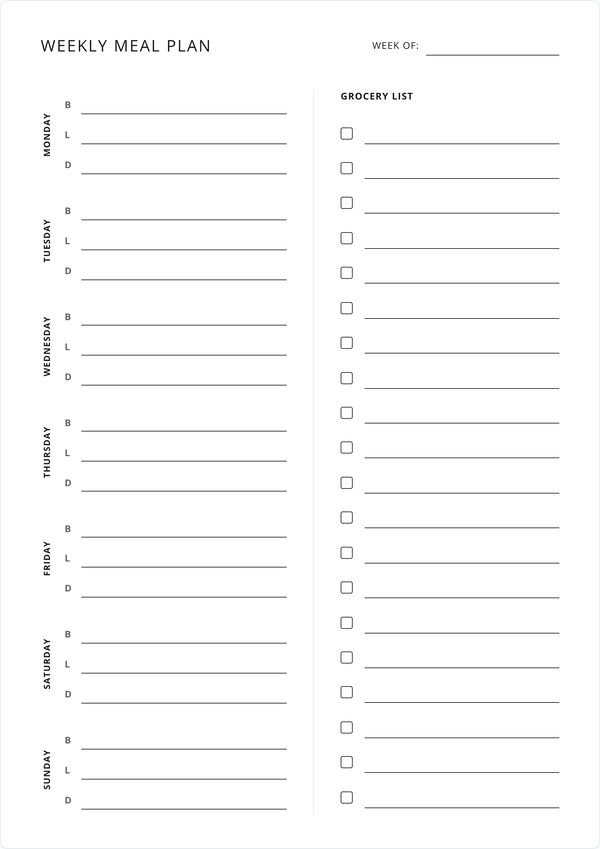
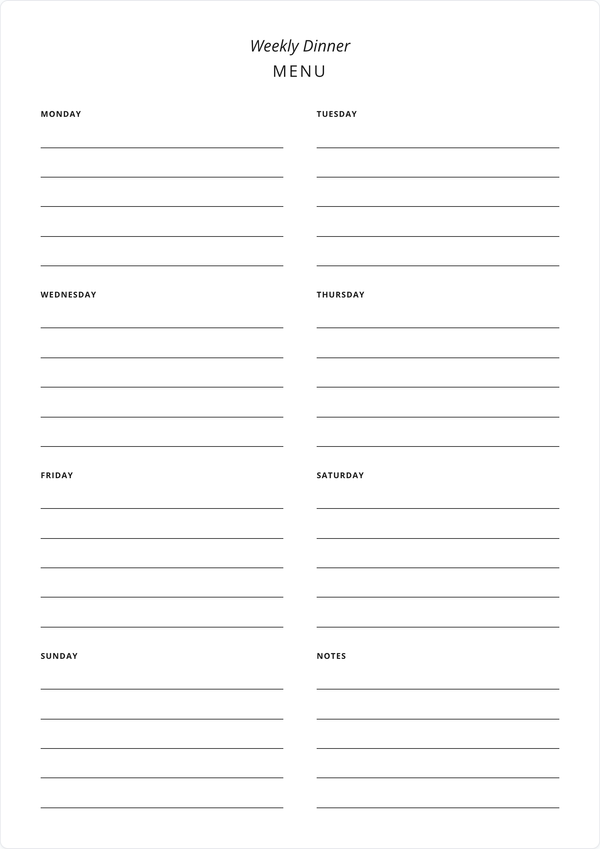
Plan your meals first and you already know most of the list. Copy the ingredients from your weekly meal planner or dinner menu straight into the sections.
Why Use an Editable Grocery List?
A sorted list means fewer laps of the store and fewer forgotten items. You fill this editable grocery list in before printing, so the copy on the fridge is legible, and you can save a version to reuse every week.
Features
Editable Category Sections
Sections for produce, meat, dairy, frozen, pantry, and more, sorted the way you shop.
Rename Any Category
Click a heading and type. Make the sections match your store or your household.
A Checkbox Per Line
Tick items off as they go in the trolley, so you can see what is left.
Prints on One Page
The full list fits a single sheet of A4 or Letter, with nothing cut off.
Fonts & Colors
Restyle the list from the font and color panels. The print matches the screen.
Always Free
Print it as often as you shop. No account to make and no fee to pay.
Frequently Asked Questions
Is this printable grocery list really free?
Yes. Fill it in, print it, and reprint it as often as you shop. There is no fee and no account.
Can I change the category names?
Click any section heading and type over it. The nine sections start with common grocery categories, and you can rename them to match your store or your household.
How many items can I add?
Nine sections with nine lines each, so up to 81 items on one page. Leave sections blank if you need fewer.
Do I need to create an account?
No. Open the page, write your list, and print. There is no sign-up and no email to enter.
What paper size does it print on?
A4 and US Letter both work, and the list fits either size on a single page.
Can I save the grocery list as a PDF?
Yes. The Save as PDF button downloads a copy with your items filled in, laid out the way it prints.
Will my list still be there when I come back?
Your items save in your browser as you type, so the list is how you left it next time you open the page. Clearing your browser data removes it, so save a PDF of anything you want to keep.
Can I reuse the same list every week?
Your saved list carries over between visits, so a staples list you set up once is ready to reprint each week. Save a PDF if you want a fixed copy as well.
Can I customize the fonts and colors?
The Font and Colors buttons open panels for restyling the sheet, and your choices carry through to print and PDF.
Does it work for meal planning?
It pairs well with one. Plan your week on the meal planner, then copy the ingredients into the matching grocery sections here.
Can I use it on my phone at the store?
You can open and tick items off on any device with a browser. For writing the list and printing, a desktop or laptop has the most room to work.
How do I print the grocery list?
Click Print Planner (or press Ctrl/Cmd + P), then print. The layout is built to land on exactly one page.