
Free Printable Weekly Meal Planner
Sort out breakfast, lunch, and dinner for the week and build your grocery list as you plan. Fill in this free meal planner on screen, then print it for the fridge or to take shopping.
GROCERY LIST
About This Free Meal Planner
This free printable weekly meal planner puts the whole week's food in one place. Plan breakfast, lunch, and dinner for each day, then add what you need to the grocery list as you go. Once it's filled in, you know what you're cooking and exactly what to buy.
The grocery list sits right beside the meal plan, so you add ingredients the moment you think of them. No more standing in the kitchen at six wondering what's for dinner, or getting home to find you forgot half the list.
How to Use This Weekly Meal Planner
It takes about five minutes:
- Fill in the week: Enter your week date range at the top of the planner
- Plan your meals: Type in breakfast, lunch, and dinner for each day of the week
- Add to grocery list: As you plan, add ingredients to the grocery list on the right
- Print your planner: Click the print button to get a physical copy optimized for A4 or letter-sized paper
- Shop and cook: Take your printed planner to the store and check off items as you shop
Families use it to keep weeknight dinners on track; meal preppers map out a week of batch cooking; anyone watching their budget or food waste can plan around what's already in the fridge. Want task tracking too? Try our weekly checklist planner, or our weekly dinner menu planner if you only need dinners.
Why Use an Editable Meal Planner?
Most meal planners online are static PDFs you print blank and fill in by hand. This editable weekly meal planner lets you type your meals in the browser first, so the printed copy is clean and easy to read on the fridge. Plans change midweek; when they do, you edit and reprint instead of crossing things out. Nothing to install, no account to create.
Features
3 Meals Per Day
Plan breakfast, lunch, and dinner for all 7 days of the week in one organized view.
Built-in Grocery List
Add ingredients as you plan meals. Check them off while shopping to never forget an item.
Full Week View
See your entire week of meals at a glance for better planning and variety.
Print Ready
Optimized for A4 and letter paper sizes. Print your meal plan with one click.
Fully Editable
Fill in your meals and grocery items directly in the browser before printing.
100% Free
No sign-up, no downloads, no hidden fees. Use it as many times as you need.
Frequently Asked Questions
Is this meal planner really free?
Yes! Our weekly meal planner is completely free to use. No hidden fees, no subscription required, and no downloads needed.
Can I print the meal planner?
Absolutely! The planner is optimized for printing on both A4 and letter-sized paper. Just fill it out and click the Print button.
Does the grocery list print with the meal plan?
Yes! The grocery list section is included on the same page as your meal plan. You can check off items as you shop or use it as a shopping list to take to the store.
Can I start my week on Sunday instead of Monday?
Yes! Use the toggle at the top of the planner to switch between Monday and Sunday as your first day of the week.
What is a weekly meal planner used for?
A weekly meal planner helps you organize breakfast, lunch, and dinner for the entire week. It reduces daily decision fatigue, helps you eat healthier, saves money by reducing food waste and impulse purchases, and makes grocery shopping more efficient.
How do I use a meal planner effectively?
Start by checking what ingredients you already have, then plan meals around your schedule (quick meals on busy nights). Fill in all meals for the week, add needed ingredients to the grocery list, and take the printed planner to the store. Review and adjust the plan as needed.
Can I plan snacks with this planner?
The planner includes dedicated fields for breakfast, lunch, and dinner. While there's no specific snack section, you can add snacks to the notes section or include them alongside your meals.
Does meal planning really save money?
Yes! Meal planning reduces food waste by ensuring you only buy what you need. It also cuts down on expensive last-minute takeout and impulse grocery purchases. Most families save between 10-25% on their food budget by planning meals.
Do I need to download any software?
No downloads required! This is a web-based meal planner that works directly in your browser. Simply fill it out online and print whenever you need a physical copy.
Can I save my meal plan?
You can print your completed meal plan to save it physically, or use your browser's print-to-PDF function to save a digital copy on your computer for future reference.
How do I meal plan for a family of 4 on a budget?
Start by planning meals around sale items and seasonal produce. Use this planner to schedule budget-friendly proteins like chicken thighs, beans, and eggs throughout the week. Plan leftover nights to reduce waste, and batch cook staples like rice and soup. The built-in grocery list helps you stick to your plan and avoid impulse purchases.
What is the best day to do weekly meal planning?
Most people find Sunday works best for weekly meal planning, giving you time to review your calendar, check what's in your pantry, and shop before the week begins. However, some prefer Thursday or Friday to catch weekend grocery sales. Choose whatever day fits your routine. The key is consistency.
How many meals should I plan for the week?
Plan for 5-6 dinners rather than all 7. This gives flexibility for leftovers, spontaneous meals out, or days when plans change. For breakfast and lunch, many people rotate between 2-3 options to simplify shopping while maintaining variety. This planner lets you plan all 21 weekly meals if desired, or leave some blank for flexibility.
Related Planners
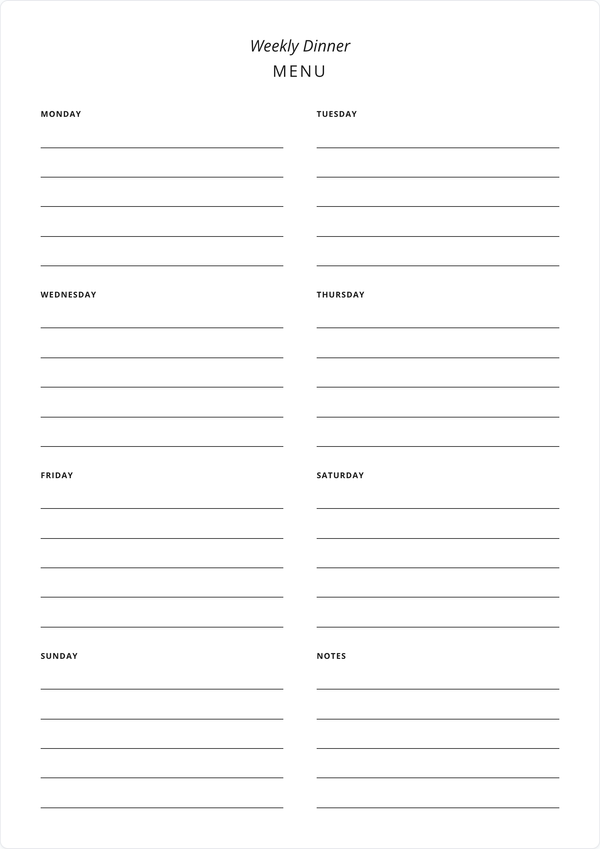
Weekly Dinner Menu
A simpler meal planner focused on dinners only. Perfect if you only need to plan evening meals.
Get Started →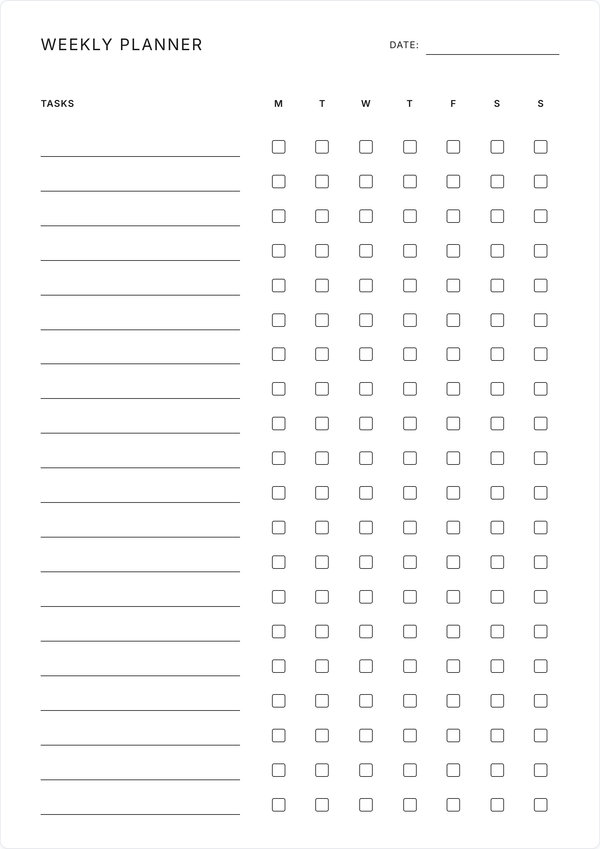
Weekly Checklist Planner
Track tasks and habits with daily checkboxes. Great for combining meal planning with other weekly goals.
Get Started →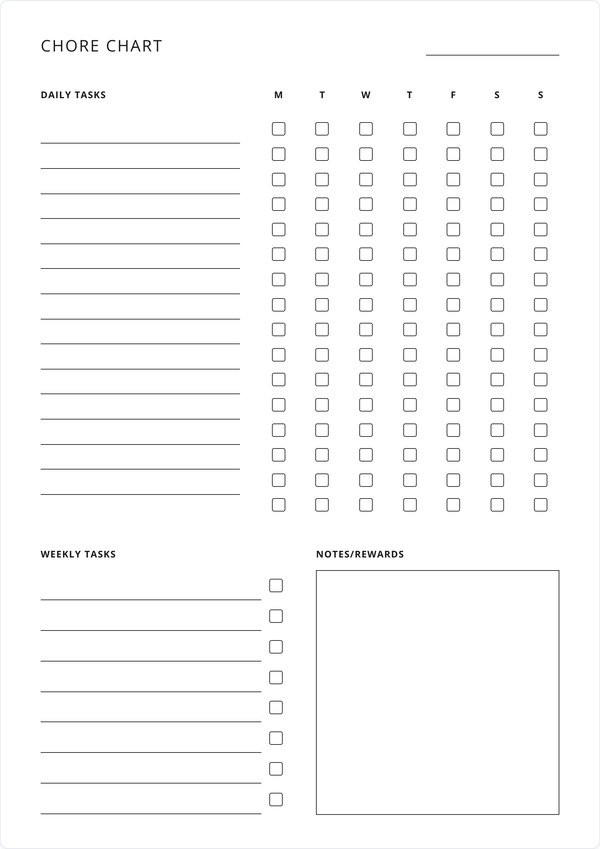
Weekly Chore Chart
Organize household chores alongside your meal planning. Includes reminders and rewards sections.
Get Started →