Free Printable Reading Log
Keep a running list of the books you read, with room for the title, author, page count, and a comment on each. Fill it in online and print it on one page. No account, nothing to download.
About This Free Reading Log
A reading log is a simple record of what you have read and what you made of it. This free printable reading log has a row for each book, with columns for the title, author, page count, and a short comment, so you can keep track of your reading on one page.
How to Use This Reading Log
- Write each book on its own row: title, author, and page count. Tick the box once you have finished it.
- Use the comment column for a rating, a favorite line, or a note to your future self.
- Set the fonts and colors from the panels, then print on A4 or Letter or save it as a PDF. The whole log fits one page.
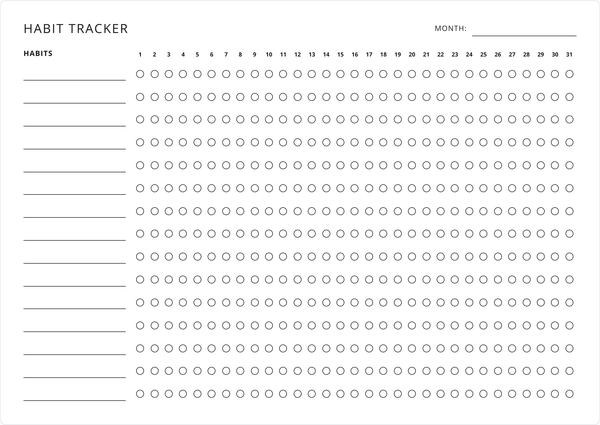
It suits a yearly reading challenge, a book club, or a child’s reading record for school. Pair it with the habit tracker to build a daily reading habit, and print a fresh log whenever this one fills up.
Why Keep a Printable Reading Log?
Writing down each book makes the reading add up in a way a stack of finished titles does not. This reading log template keeps that record on one page, easy to glance at and yours to keep once the year is done.
Features
Title, Author, Pages, Notes
A row per book with columns for the title, author, page count, and your comment.
Mark Each One Read
A checkbox on every row to tick off books as you finish them.
Room for Comments
Jot a rating, a favorite line, or a quick thought on each book you log.
Prints on One Page
The full log fits a single sheet of A4 or Letter, with nothing cut off.
Fonts & Colors
Restyle the log from the font and color panels. The print matches the screen.
Always Free
Print a fresh log whenever this one fills up. No account, no fee.
Frequently Asked Questions
Is this printable reading log really free?
Yes. Fill it in, print it, and print a fresh one whenever it fills up. There is no fee and no account.
How many books can I log on one page?
There is room for 25 books on a page. When you fill it, print another sheet and carry on.
What do I write in each column?
The title and author of the book, its page count, and a comment such as a rating or a favorite line. Leave any column blank if you don’t need it.
Do I need to create an account?
No. Open the page, fill in your books, and print. There is no sign-up and no email to enter.
Can I use it as a reading log for kids or school?
Yes. The columns suit a school reading record or a summer reading challenge, and a child can tick off each book as they finish it.
What paper size does it print on?
A4 and US Letter both work, and the log fits either size on a single page.
Can I save my reading log as a PDF?
The Save as PDF button downloads a copy with your books filled in, laid out the way it prints.
Will my books still be there when I come back?
Your entries save in your browser as you type, so the log is how you left it next time you open the page. Clearing your browser data removes it, so save a PDF of anything you want to keep.
Can I customize the fonts and colors?
The Font and Colors buttons open panels for restyling the sheet, and your choices carry through to print and PDF.
Can I track a yearly reading challenge with it?
Log each book as you finish it and print a new sheet when the page fills, so a whole year of reading builds up across a few pages.
Can I use it on my phone or tablet?
You can open it and tick books off on any device with a browser. For filling in the details and printing, a desktop or laptop has the most room to work.
How do I print the reading log?
Click Print Planner (or press Ctrl/Cmd + P), then print. The layout is built to land on exactly one page.