
Free Printable Weekly Planner
Plan your whole week on one page: list up to 20 tasks and check them off day by day. Fill in the planner here in your browser, then print a clean copy on A4 or Letter. No account, nothing to download.
TASKS
About This Free Weekly Planner
This free printable weekly planner let's you see your tasks for the week at a glance. List up to 20 tasks, spread them across the seven days, and check each one off as it's done. It handles work tasks and personal goals alike, down to the small errands that slip your mind.
Twenty task lines and a checkbox for every day mean you can fill the week in within a couple of minutes, on screen, before you print.
How to Use This Weekly Planner Template
Setting up your weekly checklist planner is quick and easy:
- Fill in your date: Enter the week or date range at the top of the planner
- Choose your week start: Toggle between Monday or Sunday as your first day of the week
- Add your tasks: Type in up to 20 tasks, goals, or activities for the week
- Print your planner: Click the print button to get a physical copy optimized for A4 or letter-sized paper
- Track your progress: Check off each task as you complete it throughout the week
Students use it to keep assignments and deadlines in view; parents pair it with our weekly meal planner or chore chart to run a busy household.
Print a fresh sheet each week, or run off a month's worth in one go and plan ahead. Each copy gives you a clean slate for the next seven days.
Why Use an Editable Weekly Planner?
This editable weekly planner can be filled in before you print. You type your tasks in the browser first, then print a copy that already has your tasks set. No messy handwriting, no PDF editor, and you can keep tweaking right up until you hit print.
Features
20 Task Lines
Plenty of space to organize all your weekly tasks and priorities in one place.
Daily Checkboxes
Track task completion for each day of the week with easy-to-use checkboxes.
Flexible Week Start
Choose to start your week on Monday or Sunday to match your preference.
Print Ready
Optimized for A4 and letter paper sizes. Print your planner with one click.
Fully Editable
Fill in your tasks and date directly in the browser before printing.
100% Free
No sign-up, no downloads, no hidden fees. Use it as many times as you need.
Frequently Asked Questions
Is this weekly planner really free?
Yes! Our weekly planner is completely free to use. No hidden fees, no subscription required, and no downloads needed.
Can I print the planner?
Absolutely! The planner is optimized for printing on both A4 and letter-sized paper. Just fill it out and click the Print button.
How many tasks can I add?
The planner includes 20 task lines, which provides plenty of space for organizing your weekly priorities and to-dos.
Can I start my week on Sunday?
Yes! Use the toggle at the top of the planner to switch between Monday and Sunday as your first day of the week.
What is a weekly planner used for?
A weekly planner is used to organize tasks, appointments, and goals for the week ahead. It helps you plan your schedule, track daily activities, set priorities, and stay productive by visualizing your entire week at a glance.
How do I use a weekly planner effectively?
To use a weekly planner effectively, start by listing all your tasks for the week, prioritize them by importance, assign specific days for each task, and check them off as you complete them. Review your planner daily and adjust as needed.
Can I use this planner for work and personal tasks?
Yes! This weekly planner is perfect for both work and personal task management. You can mix professional tasks, personal errands, appointments, and goals all in one place to keep your entire week organized.
Can I save my weekly planner?
You can print your completed planner to save it physically, or use your browser's print-to-PDF function to save a digital copy on your computer for future reference.
What size paper should I print this on?
This weekly planner is designed to print perfectly on standard A4 (international) or Letter-sized (US) paper. The layout automatically adjusts to fit either size.
How is this different from a to-do list app?
Unlike digital to-do list apps, this printable weekly planner gives you a tangible, distraction-free tool for planning. Many people find writing tasks by hand helps with memory retention and reduces screen time, while still offering the convenience of digital editing before printing.
What should I include in my weekly planner?
Include your most important tasks and goals for the week, recurring responsibilities, appointments, deadlines, and any habits you want to track. Start with your top priorities and add smaller tasks as space allows. Many people also find it helpful to include self-care activities and personal goals alongside work tasks.
Related Planners
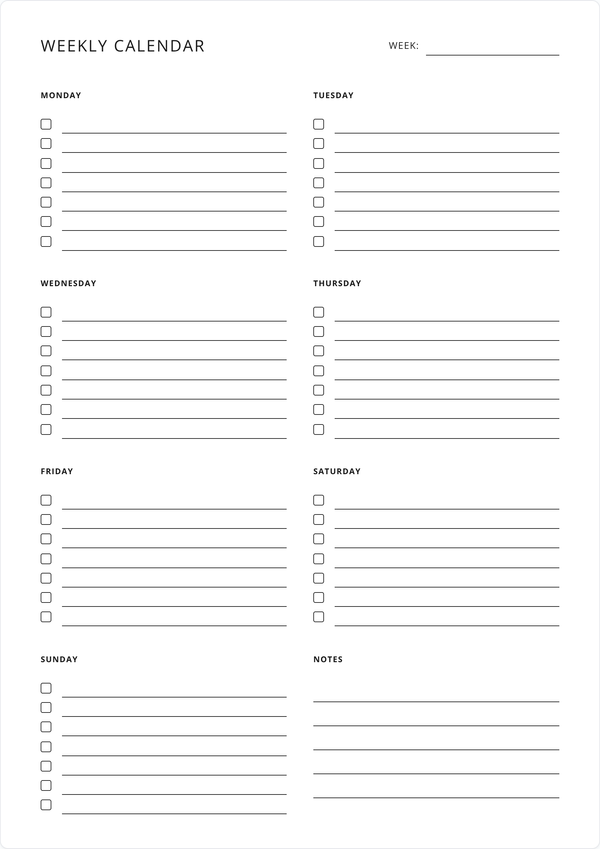
Weekly Calendar
Need more space for daily scheduling? Our weekly calendar offers dedicated sections for each day.
Get Started →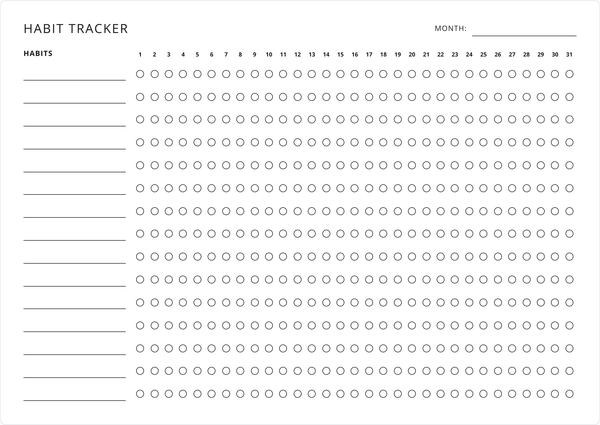
Habit Tracker
Track the habits behind your weekly goals across a full month or a single week.
Get Started →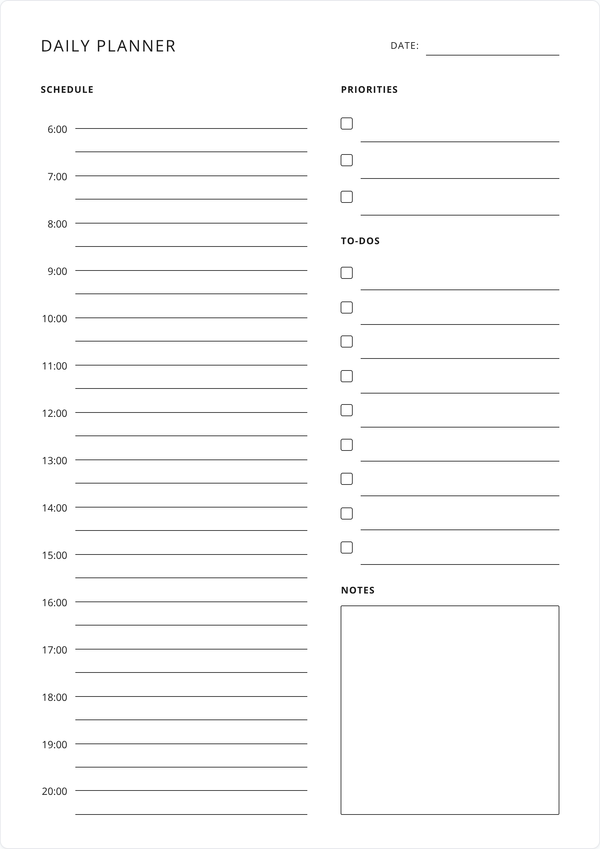
Daily Planner
Zoom in on a single day with an hourly schedule, top priorities, to-dos, and notes.
Get Started →