
Free Printable Habit Tracker
Build new habits and check off everyday you stick to them. Track a full month across a landscape page, or switch to a weekly layout for a tighter view. Fill it in here in your browser, then print on A4 or Letter. Also available to save as PDF.
About This Free Habit Tracker
This free printable habit tracker gives you one page to build new habits and mark off every day you keep them. The monthly habit tracker runs all 31 days across a landscape page, so a whole month of progress sits in front of you at once. Toggle to the weekly habit tracker for a portrait page with the seven days of the week, better for a tighter focus or a clean restart every Monday.
Type your habits into the tracker in your browser, pick the monthly or weekly view, and print. It works printed blank too, as a habit tracker template you fill in by hand.
How to Use This Habit Tracker Template
Setting up your tracker takes a couple of minutes:
- Choose your view: Toggle between the monthly layout for a full month or the weekly layout for a single week
- Fill in the date: Enter the month or the week you're tracking at the top
- List your habits: Add the habits you want to build, one per row, down the left side
- Print your tracker: Click print for a clean copy on A4 or letter-sized paper
- Mark each day: Fill in the circle for every day you stick to a habit, and watch the streak grow
It suits anyone building new habits: a morning workout, daily water intake, reading before bed, or cutting back on a habit you'd rather drop. Pair it with our daily planner to schedule the habit into your day, or the weekly planner to line it up with the rest of your week.
Why Use an Editable Habit Tracker?
Most habit tracker printables hand you a fixed PDF: one layout, one set of habits, printed blank. This editable habit tracker lets you type your habits in first, switch between the monthly and weekly views, and print a copy that already lists what you're working on. Starting a new month or week is just as quick: update your habits, pick the monthly or weekly view, and print a clean sheet.
Features
Monthly & Weekly Views
One page, two layouts. Switch between a full month in landscape and a single week in portrait.
Full 31-Day Month
A column for every day of the month, so you can see a habit streak build across the whole page.
Up to 15 Habits
Room for fifteen habits per sheet, with a line to name each one down the left side.
Circle or Square Marks
Mark each day with a circle or a square, whichever you prefer to fill in.
Print Ready
The monthly view prints landscape and the weekly view prints portrait, both sized for A4 and Letter.
100% Free
No sign-up, no downloads, no hidden fees. Use it as many times as you need.
Frequently Asked Questions
Is this habit tracker really free?
Yes. The habit tracker is free to use, with no hidden fees, no subscription, and nothing to download.
What's the difference between the monthly and weekly view?
The monthly view gives each habit a column for all 31 days and prints on a landscape page, which suits tracking a habit across a whole month. The weekly view shows the seven days of the week on a portrait page, better for a tighter focus or a fresh start each week. Use the View toggle above the tracker to switch.
How do I print the monthly habit tracker in landscape?
The monthly view is set to print landscape on its own, so you can click Print and go. If your print dialog still shows portrait, choose landscape orientation. The weekly view prints portrait the same way.
How many habits can I track?
Each sheet has room for fifteen habits, one per row. That covers a full routine while leaving the grid easy to read across the month.
What is a habit tracker?
A habit tracker is a grid where you list the habits you want to build and mark off each day you follow through. Seeing the marks add up gives you a streak to protect, which makes it easier to keep going.
How many habits should I track at once?
Start with three to five. A short list is easier to keep up with, and each habit gets real attention. Once a habit feels automatic, swap it out for a new one and keep the sheet working.
How do I use a habit tracker effectively?
Pick habits you can do most days, mark the sheet at the same time each day so it becomes routine, and keep it somewhere you'll see it. If you miss a day, fill in the next one rather than starting over. Progress across the month matters more than a perfect run.
Monthly vs weekly habit tracker: which is better?
A monthly tracker shows the big picture and rewards a long streak, which works well for daily habits. A weekly tracker keeps the focus short and resets often, which helps when you're starting out or building a habit you do a few times a week. Many people run a monthly sheet for their core habits and a weekly one for a new goal.
Can I print a blank habit tracker and fill it in by hand?
Yes. Click print without typing anything and you'll get a blank habit tracker template with the day columns and habit lines ready to fill in by hand. Print a stack to cover the months ahead.
What size paper should I print this on?
The habit tracker is designed to print on standard A4 (international) or Letter-sized (US) paper. The layout adjusts to fit either size, in landscape for the month and portrait for the week.
Do I need an app or account to use this?
No. This is a web-based habit tracker that runs in your browser. Fill it out online and print it whenever you need a physical copy, with nothing to install and no account to create.
Related Planners
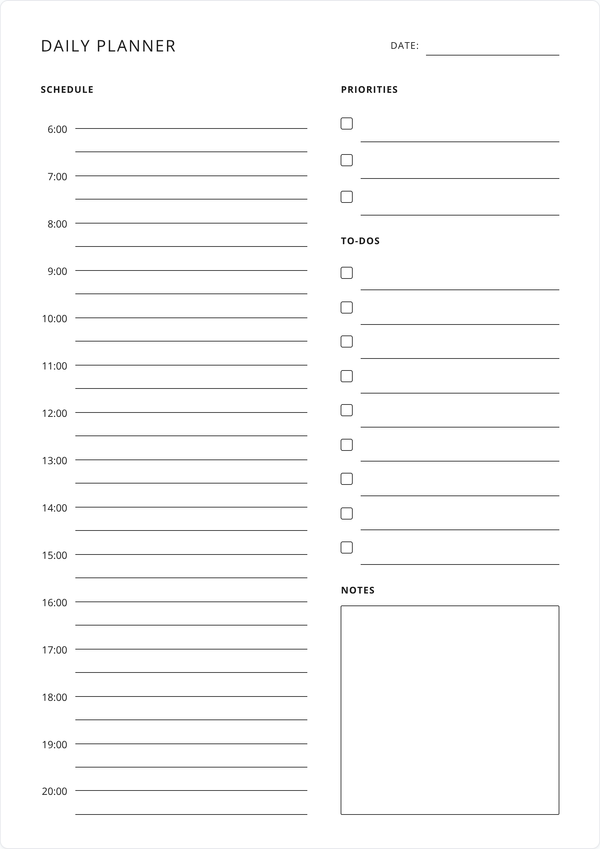
Daily Planner
Schedule your habits into the day with an hourly plan, priorities, to-dos, and notes.
Get Started →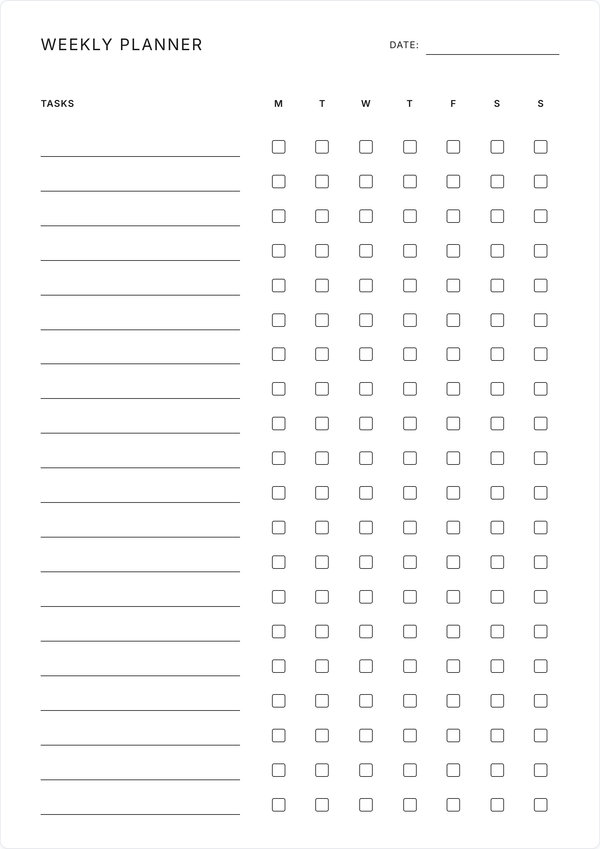
Weekly Checklist Planner
Line your habits up with the rest of the week. Up to 20 tasks with daily checkboxes.
Get Started →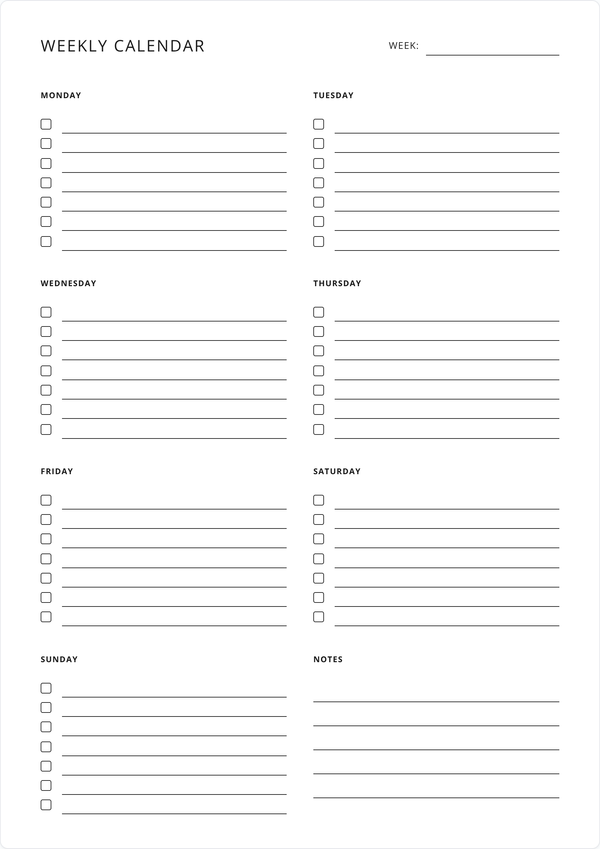
Weekly Calendar
Prefer to plan by day? The weekly calendar gives each day its own column and notes.
Get Started →