Free Printable To Do List Template
Choose from two to do list template layouts: a plain 24-line checklist, or one with four top priorities above the rest with room for notes. Edit directly in your browser and print or save as PDF, absolutely free.
About This Free To Do List
A to do list gets tasks you need to complete out of your head and onto paper. This free printable to do list template holds 24 items on one page, in either of two layouts: a straight checklist, or a priority sheet with four tasks at the top, the other twenty in two columns, and a block for notes.
How to Use This To Do List
- Type your tasks into the lines, directly in your browser.
- Use the Layout toggle above the sheet to switch between simple and priority setups. Your tasks move across with you, so you can type first and choose the layout after.
- Set the fonts and colors from the panels if you want to give the list a unique look, then print. Tick the boxes on screen before printing, or leave them empty for a pen.
Both layouts carry the same 24 items in the same order. The fifth line of the simple list is the first line under TO DO in the priority layout, so switching rearranges what you have written rather than hiding it.
Why Print a To Do List?
A printed list sits on your desk or wall where you can see it, and nothing pops up over the top of it. You also get a limit worth having: twenty-four lines suit a working day and leave no room to hoard a month of someday tasks. On a heavy day, put the four things that matter in the priority section and give them your morning.
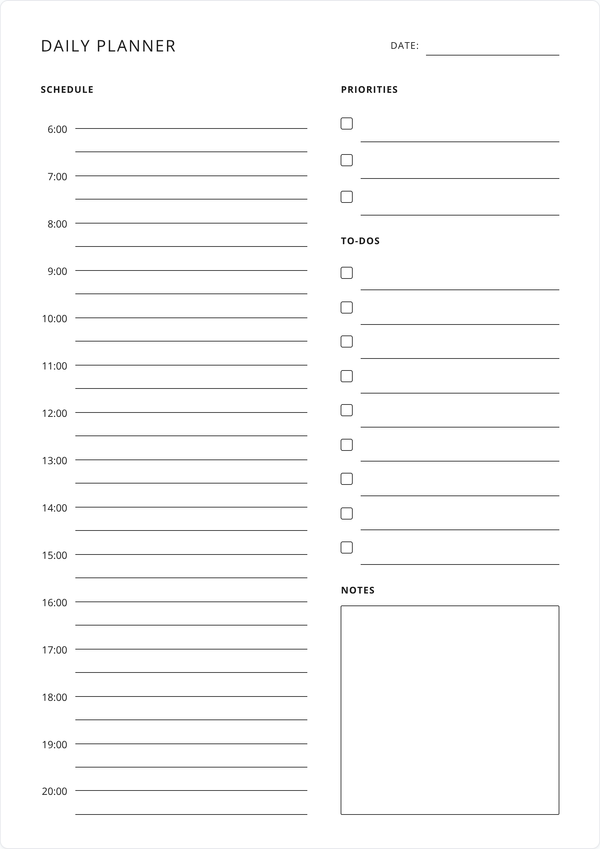
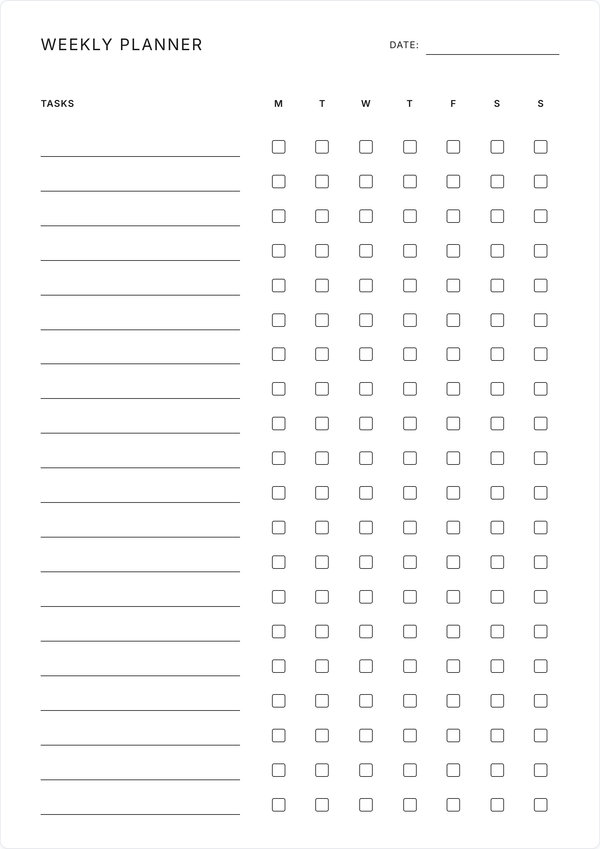
Use it as a daily to do list you reprint each morning, or as a printable checklist for a move, a trip, or a shift handover. For a day that needs hours as well as tasks, the daily planner has a schedule column beside its to-do section. When the work spreads past today, the weekly planner gives every task a checkbox for each day of the week.
Features
Two Layouts, One List
Switch between a plain 24-line checklist and a priority sheet with a notes block. Your tasks carry across both.
Top Priorities First
In the priority layout, four tasks sit above the other twenty, so the ones that matter are the first thing you read.
Tick Off on Screen or Paper
Check items off before you print, or leave the boxes empty and use a pen.
Fonts & Colors
Restyle the sheet from the font and color panels. The print matches the settings you choose.
Prints on One Page
Both layouts fit one sheet of A4 or Letter, with nothing cut off.
Always Free
Print a fresh list whenever you need it. No account, no fee.
Frequently Asked Questions
Is this printable to do list really free?
Yes. Type your tasks, print the sheet, and come back for a fresh one whenever. There is no fee and no account needed.
What is the difference between the two layouts?
The simple layout gives you 24 lines in one column, which suits a straight list of things to do. The priority layout takes those same 24 items and puts the first four at the top under TOP PRIORITIES, the other twenty in two columns, and a notes block at the foot of the page.
Will I lose my tasks if I switch layouts?
No. Both layouts hold the same list in the same order, so your text moves with you. Type everything into the simple list, switch to priority, and the first four lines become your top priorities.
How many items fit on the list?
Twenty-four, in both layouts. That covers a full working day on one page. For a longer list, print a second copy.
Can I use this as a daily to do list?
Yes. Put the date in the field at the top, print a copy each morning, and file or bin the sheet at the end of the day.
Can I print a blank to do list?
Leave the lines empty and print. You get 24 ruled lines with a checkbox on each, ready to fill in by hand.
How do I use the top priorities section?
Put the four tasks you would keep if the day fell apart in the top block, then let the rest fill the columns below. The boxes and text in that section print a size larger than the others.
Do I need to create an account?
No. Open the page, write your list, and print. There is no sign-up and no email to enter.
What paper size does it print on?
A4 and US Letter both work, and either size holds the whole list on one page.
Can I save my to do list as a PDF?
The Save as PDF button downloads a copy with your tasks filled in, laid out the way it prints.
Will my list still be here tomorrow?
Your entries save in your browser as you type, so the sheet is how you left it next time you open the page. Clearing your browser data removes it, so save a PDF of any list you want to keep.
Can I customize the fonts and colors?
The Fonts and Colors buttons open panels for restyling the sheet, and your choices carry through to print and PDF.
Can I use it as a checklist for something other than work?
The lines take whatever you write. Use it for packing, for cleaning before guests arrive, for a shift handover, or for the jobs that pile up before a holiday.
Can I make a to do list for the whole week?
This sheet covers one list at a time. For tasks spread across seven days, the weekly planner gives each task a checkbox for every day of the week.
Can I use it on my phone or tablet?
You can open it and tick items off on any device with a browser. For typing a full list and printing, a desktop or laptop has the most room to work.