
Free Printable Planners
A collection of planner templates you can complete in your browser and print for free. Daily and weekly planners, chore charts, calendars and more. No account to create, nothing to download.
Daily & Weekly Planners
Plan your days and weeks on one page: task lists, schedules, and a weekly calendar.
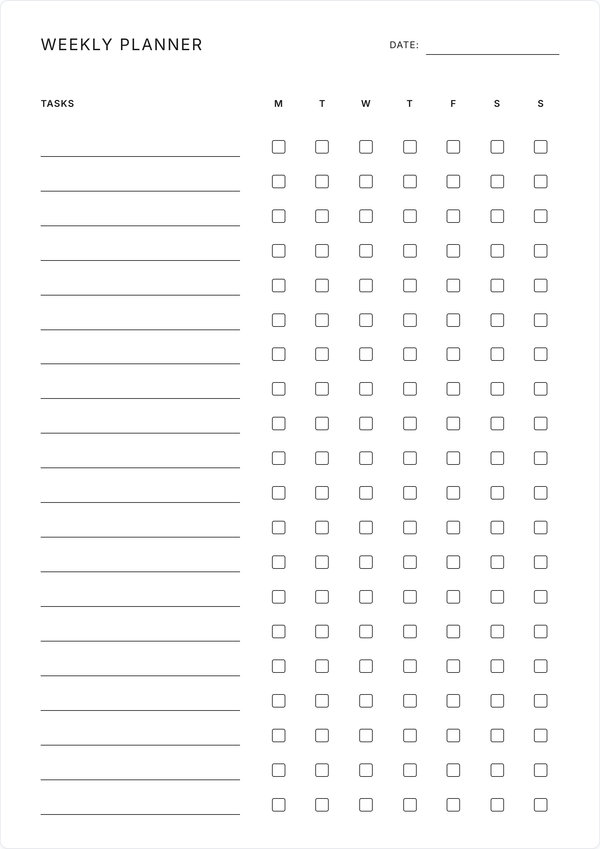
Weekly Checklist Planner
Organize up to 20 tasks with daily checkboxes for the entire week. Perfect for tracking recurring tasks and weekly goals.
Get Started →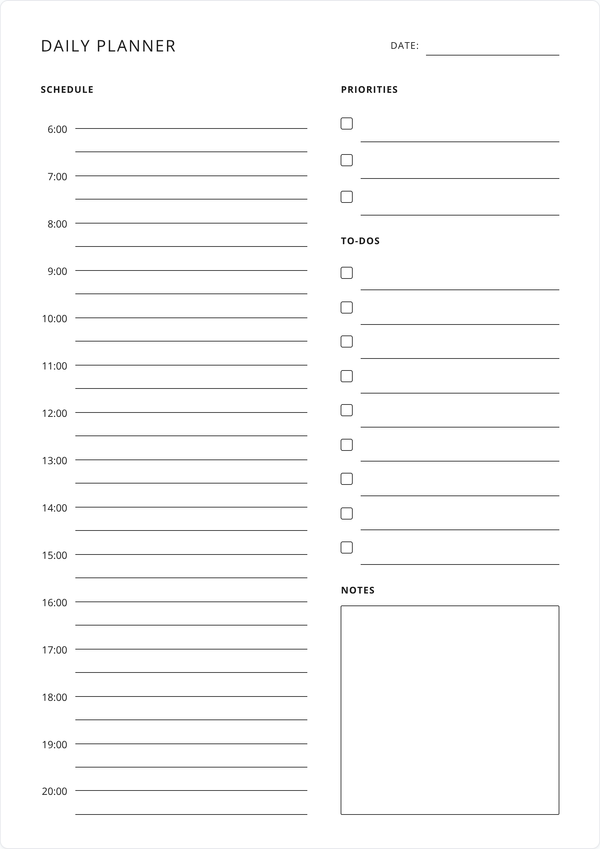
Daily Planner
Plan your day hour by hour from 6am to 8pm, with sections for top priorities, to-dos, and notes.
Get Started →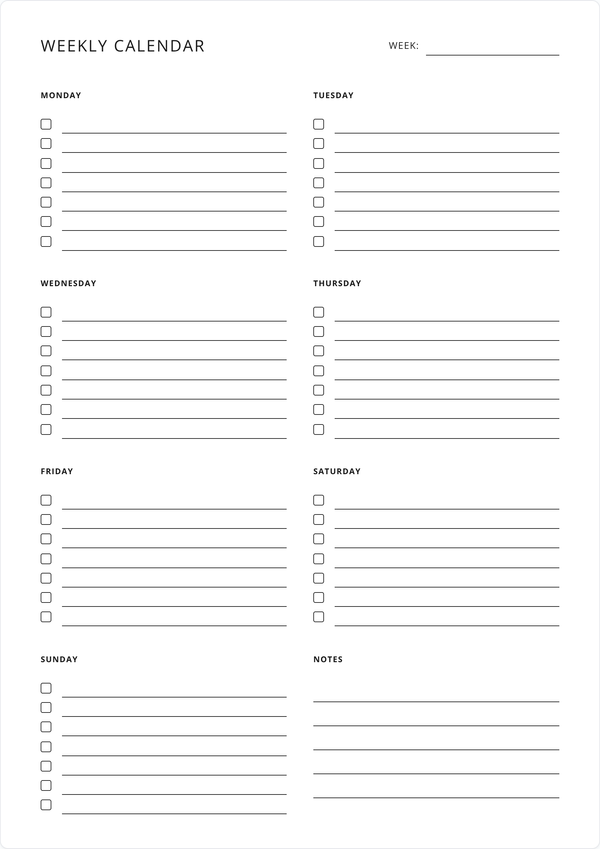
Weekly Calendar
Track tasks and activities for each day with checkboxes and a dedicated notes section for the week.
Get Started →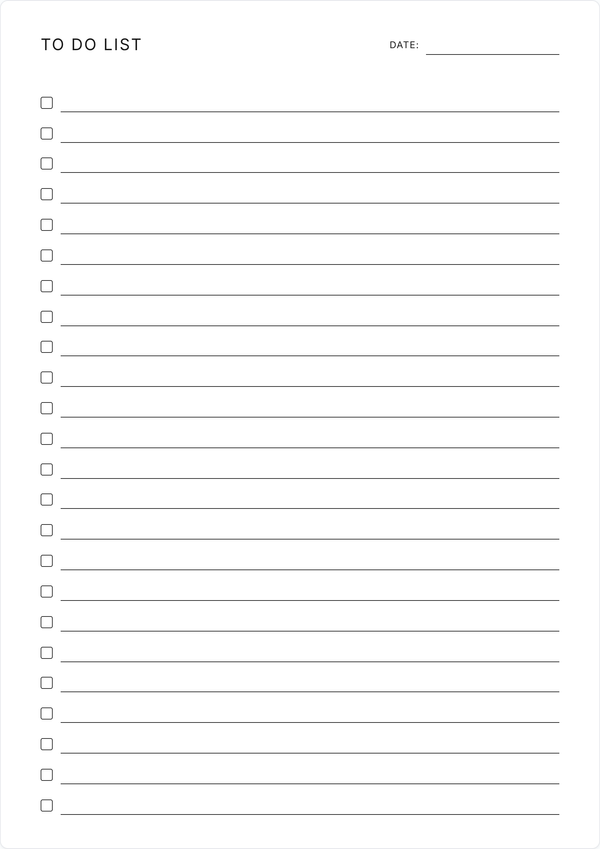
To Do List
A one-page to do list with 24 items, in a plain checklist or a priority layout with space for notes.
Get Started →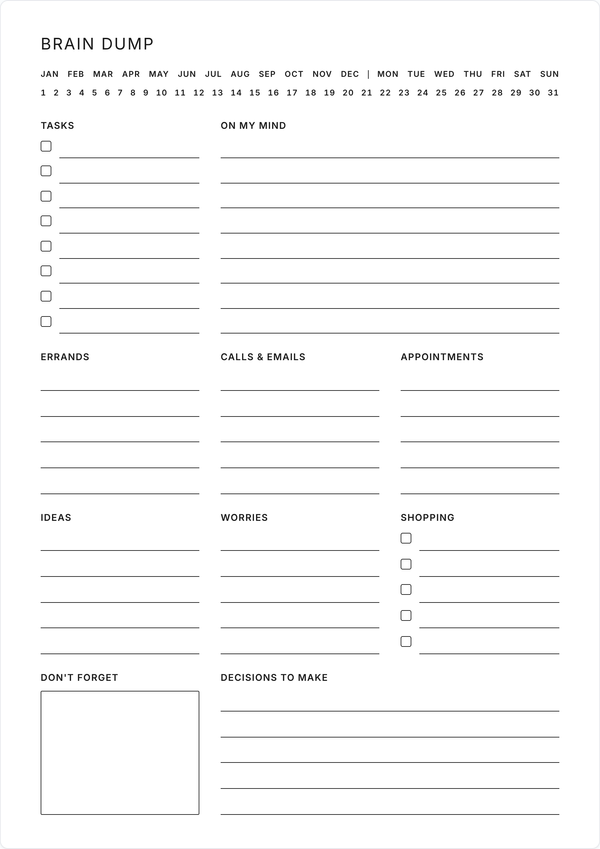
Brain Dump
A one-page brain dump with ten sections you can rename, from tasks and errands to worries and decisions.
Get Started →Household Planners
Planner templates to help you stay organized when running a home. This collection includes meal planners, grocery lists, chore charts and more.
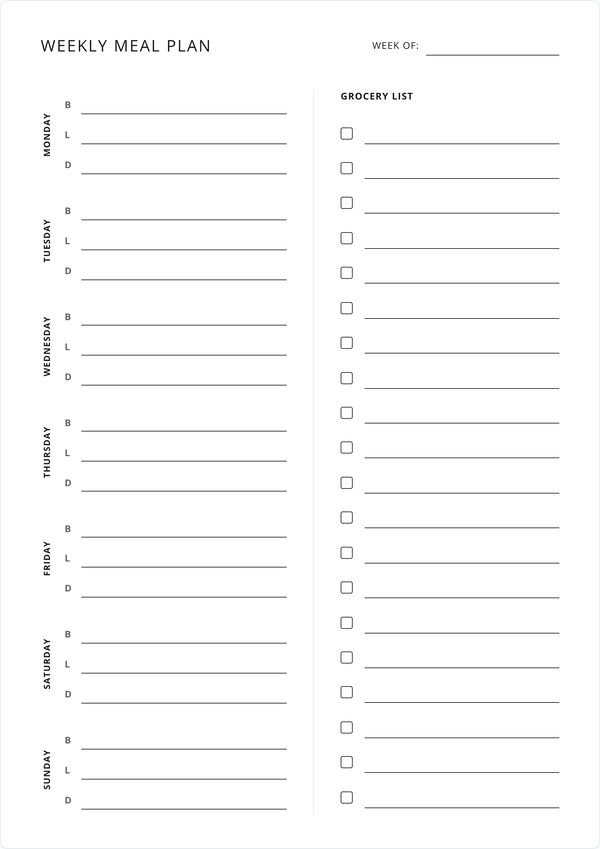
Weekly Meal Planner
Plan breakfast, lunch, and dinner for the week with a built-in grocery list. Simplify meal prep and shopping.
Get Started →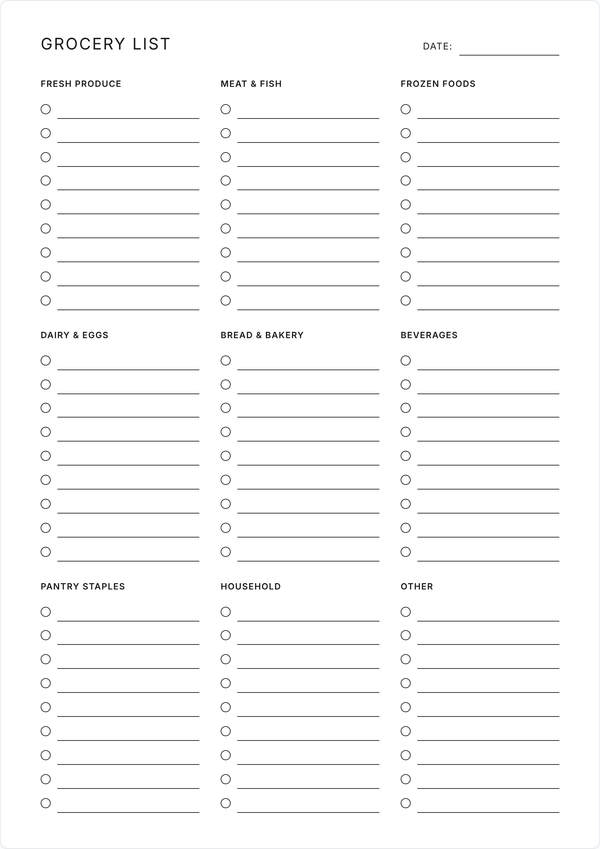
Grocery List
A one-page grocery list with nine editable category sections. Sort your shopping by aisle and tick items off as you go.
Get Started →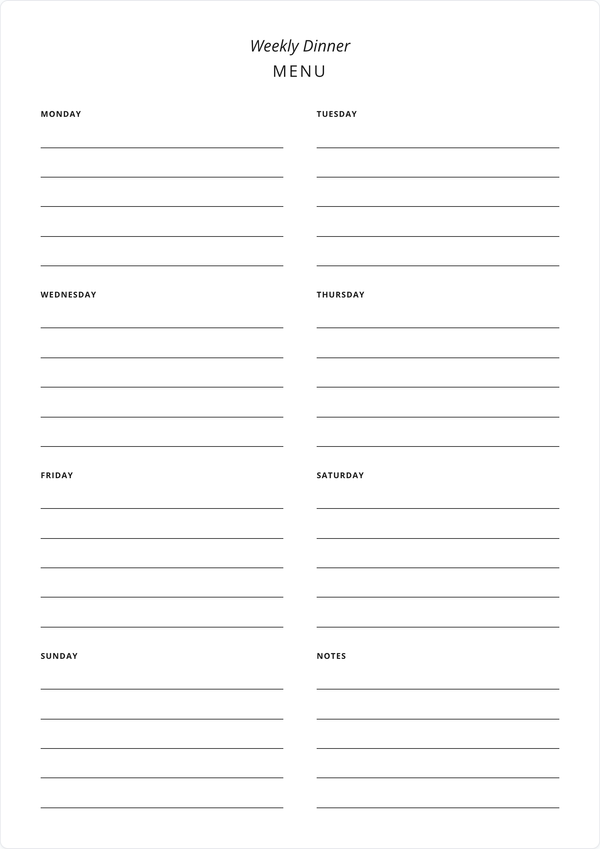
Weekly Dinner Menu
Plan your weekly dinners with this simple menu planner. Includes space for each day and notes for grocery shopping.
Get Started →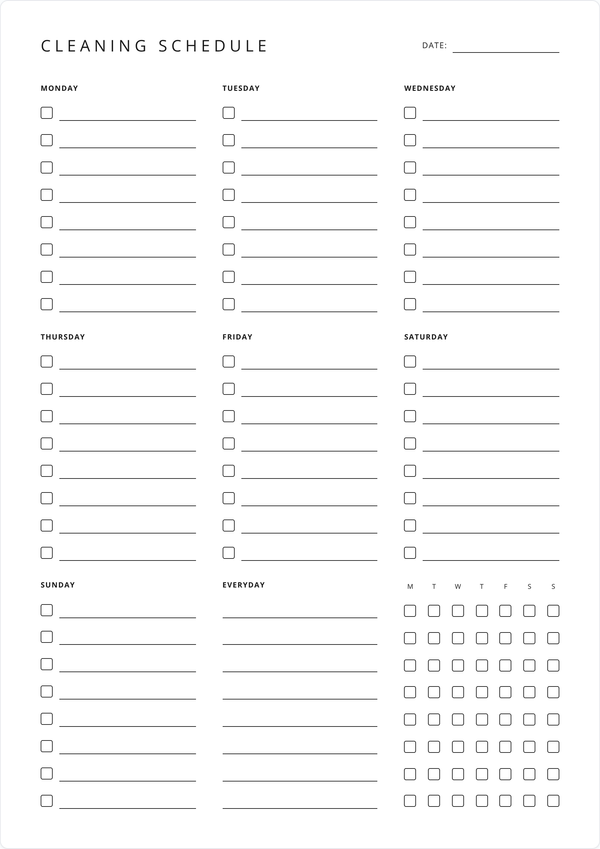
Weekly Cleaning Schedule
Organize your cleaning tasks by day with checkboxes. Includes an everyday section for recurring daily chores.
Get Started →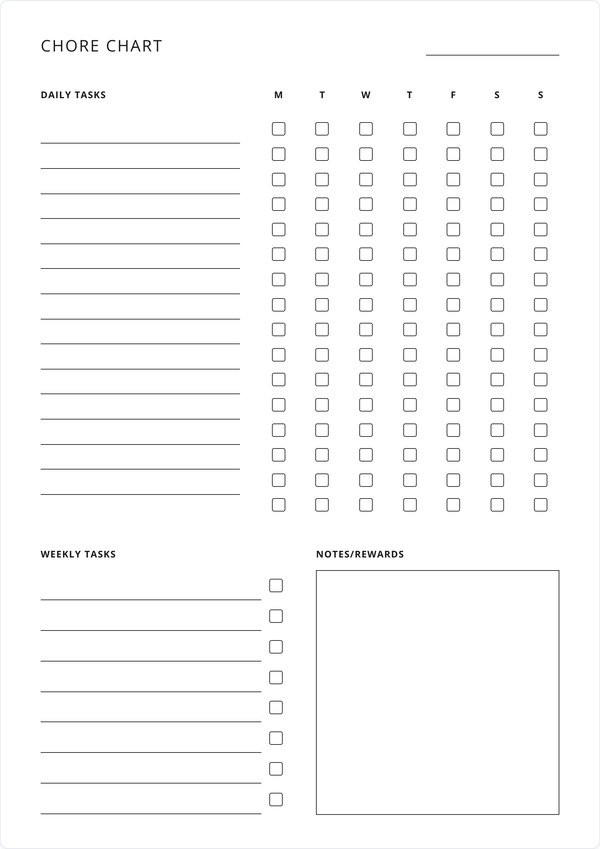
Weekly Chore Chart
Track daily and weekly chores with an organized chart. Includes reminders and reward sections for motivation.
Get Started →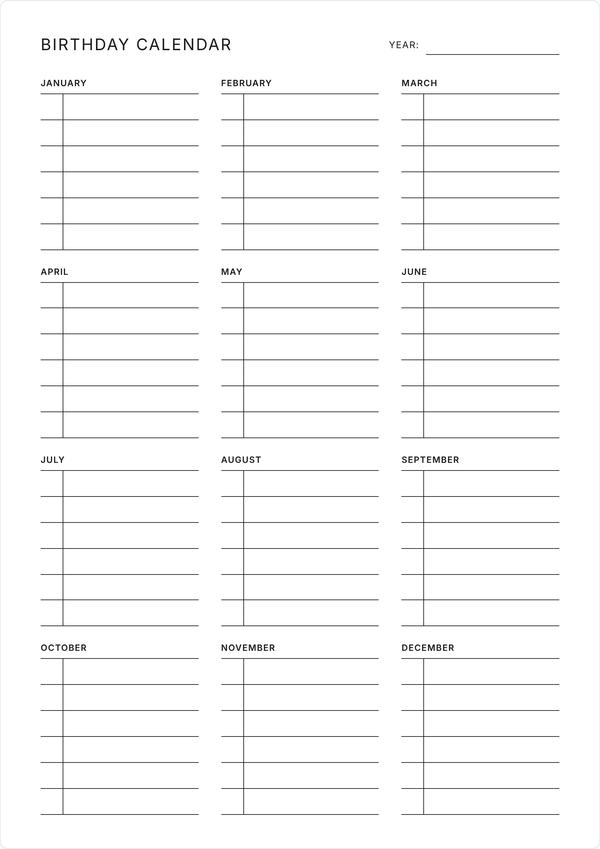
Birthday Calendar
A one-page birthday calendar with a block for every month and room for the date and name of each birthday.
Get Started →Habits & Goals
Track habits and progress toward goals, one page at a time.
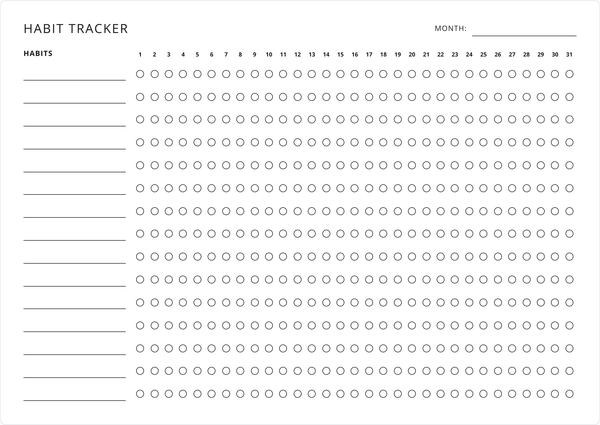
Habit Tracker
Track up to 15 habits across a full month or a single week. Switch between monthly and weekly layouts.
Get Started →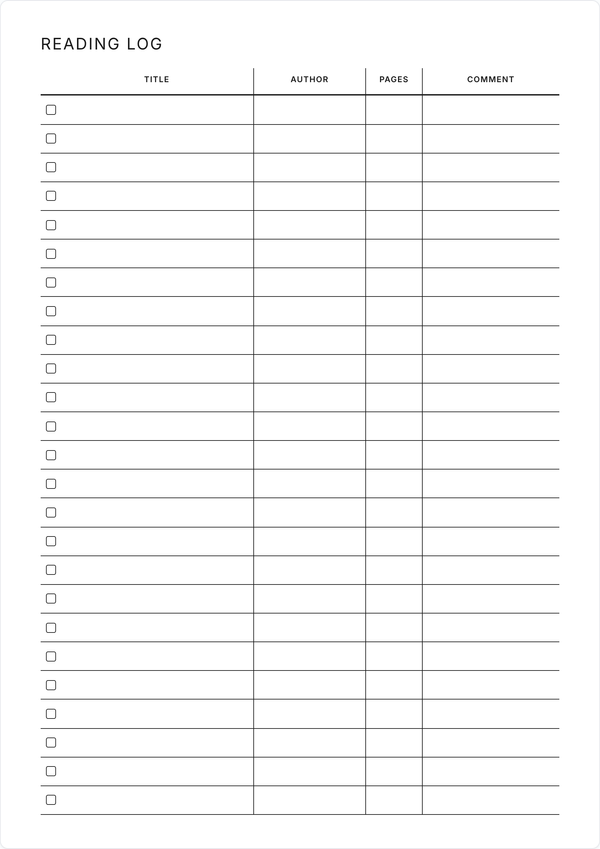
Reading Log
A one-page reading log with a checkbox and columns for the title, author, pages, and your comment on every book.
Get Started →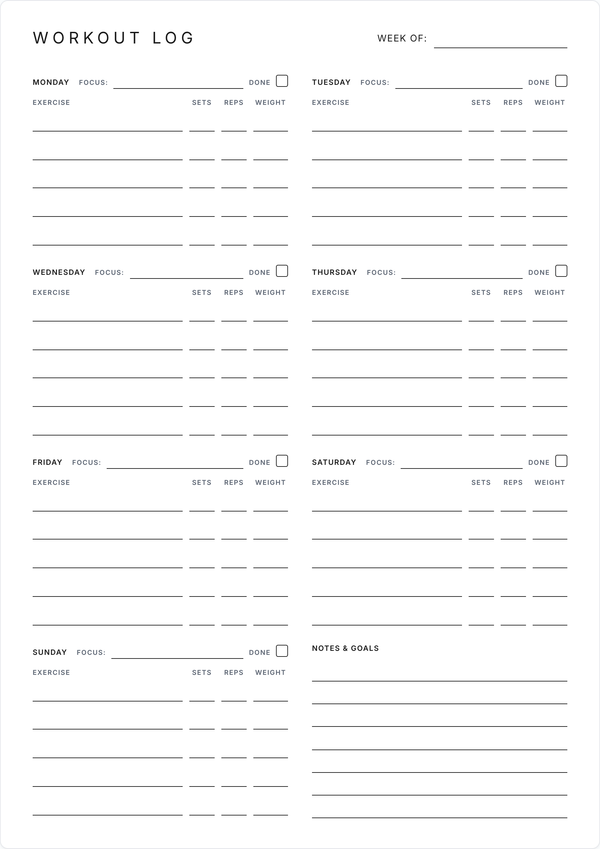
Workout Log
A one-page weekly workout log with a focus line for each day and columns for exercises, sets, reps, and weight.
Get Started →Free Printable Monthly Calendar
Pick any month, write notes on the days, show public holidays, and print the whole month on one landscape page. Restyle the fonts and colors to match the rest of your planners.
Open the calendar →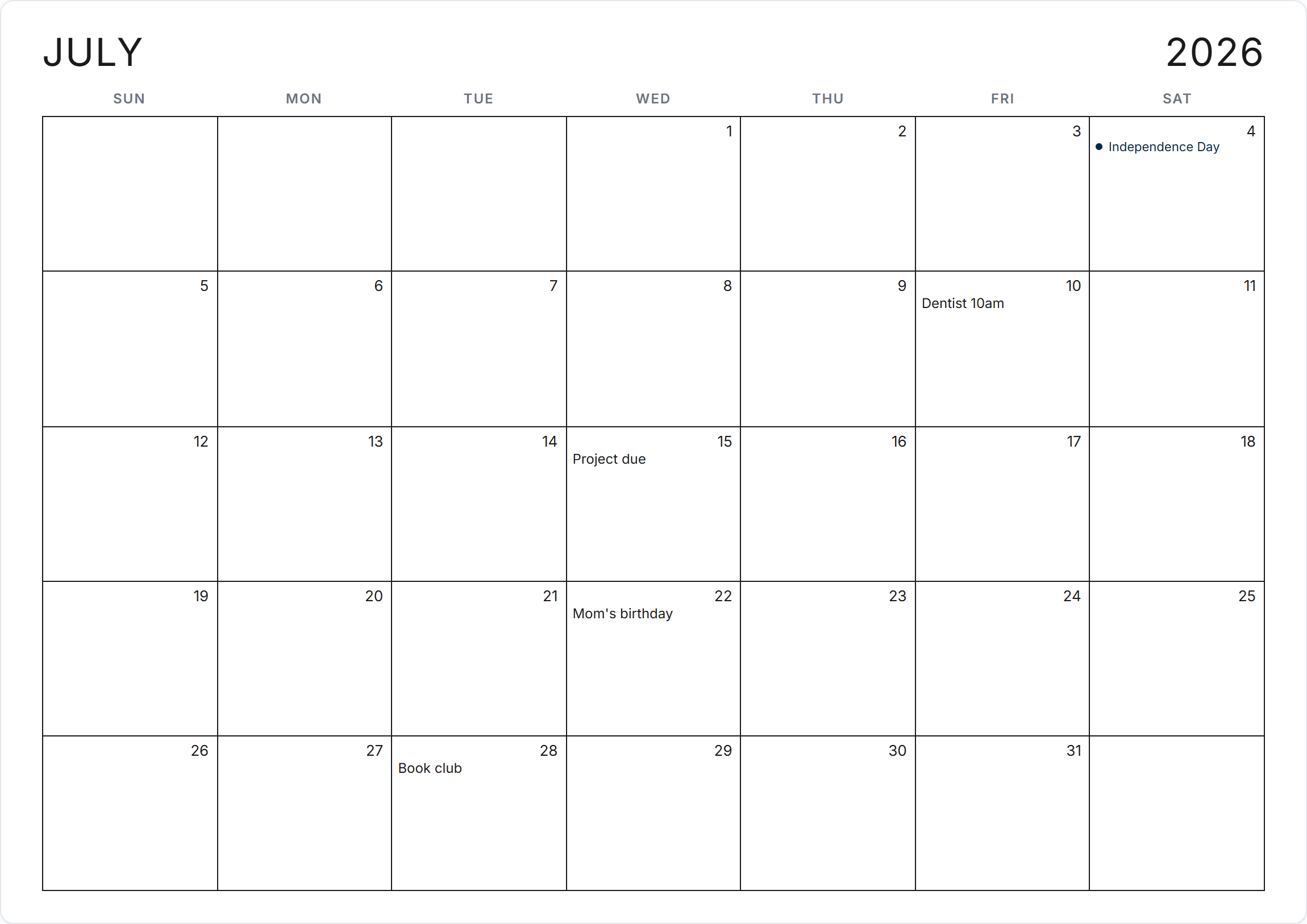
How It Works
All planners are editable in your browser, and free to print or save as PDF. Three steps from blank page to printed planner.
Choose Your Planner
Browse the planners and pick the one for the job, whether that's meal planning, tracking tasks, or splitting up the chores.
Fill It Out Online
Type straight into the planner. Every field is editable, and the Font and Colors panels allow you to restyle the whole sheet as you work.
Print or Save as PDF
Print it on a single page, or use the Save as PDF button to download a copy with your entries filled in.
About WeekSheets
WeekSheets is a collection of free printable planners you fill in online and print at home. Pick a sheet, type your entries, choose your fonts and colors, and print it on a single page of Letter or A4 paper. You can also save any of our planners as PDF.
You'll find daily and weekly planners for tasks and schedules, household planners for meal plans, cleaning routines, and chore charts, and a habit tracker for keeping streaks going. We are consistently adding new planner templates to our collection so be sure to check back from time to time to see new planner releases.
Students use them for coursework and deadlines, parents for dinner menus and chore rotations, and plenty of people for getting an ordinary busy week onto one page.
Your entries save in your browser as you type, so a planner you set up today is still filled in when you come back. Nothing you write reaches our servers.
Why Choose WeekSheets?
Always Free
Every planner is free to print as many times as you like, with no premium tier and no trial that runs out.
Fully Editable
Type into any field on the sheet before you print, so the finished page is neat and readable.
Fonts & Colors
Restyle any planner with a variety of font options and color schemes. Your styles are applied to your printed planner.
Print on One Page
Each planner fits a single sheet of A4 or Letter paper, with nothing cut off and no stray second page.
PDF Downloads
Click Save as PDF and the planner downloads with your entries filled in, ready to print later or share.
Private by Design
No account, no email, no uploads. What you type stays in your browser, on your device.
Frequently Asked Questions
Are these printable planners really free?
Yes. Every planner is free to edit and print, with no premium tier and no locked features. Print as many copies as you need.
What kinds of planners can I print here?
Daily and weekly planners, a weekly calendar, meal and dinner planners, a cleaning schedule, a chore chart, and a habit tracker. Printable calendars and budget planners are in the works, and we add new formats over time.
Do I need to create an account?
No. Open a planner, fill it in, and print. We don't ask for an email address or any personal details.
Will my entries still be there when I come back?
Yes. Entries save in your browser as you type, so each planner is how you left it next time you open the page. They live on your device and go away if you clear your browser data, so save a PDF of anything you want to keep for good.
Can I save a planner as a PDF?
Yes. The Save as PDF button on each planner downloads a copy with your entries filled in, laid out the way it prints. Useful for keeping a record or printing from another machine.
Can I customize the planners?
Beyond typing into the fields, the Font and Colors buttons open panels for restyling the sheet: title fonts, body fonts, and preset color schemes. Some planners also have toggles for the week start day and checkbox style. Your choices carry through to print and PDF.
What paper size should I use for printing?
A4 and US Letter both work. Each planner fits either size on a single page.
Can I use these planners on my phone or tablet?
They open and print from any device with a browser. A desktop or laptop gives you the most room to type, and your phone works in a pinch.