
Free Printable Weekly Calendar
See your whole week at a glance with this weekly calendar, with space for each day's tasks, events, and notes. Pick a Monday or Sunday start, fill it in here, and print it on Letter or A4, or save it as a PDF. Completely free, no account needed.
NOTES
About This Weekly Calendar
This free printable weekly calendar lays out all seven days side by side, with seven checkbox lines a day and a notes column down the side. Tasks, appointments, and the reminders you'd otherwise lose all sit in one view.
Start the week on Monday or Sunday, whichever suits your preference. Print the page, pin it up, and tick tasks off as the week goes.
How to Use This Weekly Calendar
Five steps:
- Set the week: Enter the date range at the top of the calendar to keep track of which week you're planning
- Add your tasks: Fill in up to 7 tasks or events for each day of the week using the checkbox lines
- Use the notes section: Add weekly goals, reminders, or any information that applies to the whole week
- Print your calendar: Click the print button to get a physical copy optimized for letter or A4 size paper. You can also save the calendar as PDF
- Track your progress: Check off tasks as you complete them throughout the week
It works well for juggling appointments, tracking homework, or mapping out a week of errands. Need more room for tasks? Our weekly checklist planner gives you 20 lines, and the meal planner handles the week's food. If you are looking to plan out the full month, you may want to check out our monthly calendar.
Customize your Styles
The font and color controls above the calendar make it easy to create a unique look and feel for your weekly calendar. Experiment with different font and color combinations to create a planner that fits your taste.
Why Use an Editable Weekly Calendar?
Most free weekly calendars online are static PDFs you print blank and fill in by hand. This editable weekly calendar lets you type straight into the page, move a task or fix a typo, and print only once the week looks right. Nothing to download, no account to set up.
Features
Full Week View
See all 7 days of the week in one organized layout with checkbox tracking.
7 Tasks Per Day
Track up to 7 tasks or activities for each day of the week with checkboxes.
Notes Section
Dedicated space for weekly notes, reminders, and important information.
Print Ready
Optimized for A4 and letter paper sizes. Print your calendar with one click.
Fully Editable
Fill in your tasks directly in the browser before printing for a clean look.
100% Free
No sign-up, no downloads, no hidden fees. Use it as many times as you need.
Frequently Asked Questions
Is this weekly calendar really free?
Yes! Our weekly calendar is completely free to use. No hidden fees, no subscription required, and no downloads needed.
Can I print the calendar?
Absolutely! The calendar is optimized for printing on both A4 and letter-sized paper. Just fill it out and click the Print button.
How many tasks can I add per day?
Each day includes space for multiple tasks and events. The layout is designed to give you enough room for typical daily planning while keeping everything visible on one page.
Can I start my week on Sunday?
Yes! Use the toggle at the top of the calendar to switch between Monday and Sunday as your first day of the week.
What's the difference between a weekly calendar and a daily planner?
A weekly calendar shows all seven days at once, giving you a broader view of your week. This helps with planning ahead, balancing workload across days, and seeing your schedule at a glance. Daily planners offer more detail for individual days but less weekly overview.
What is the notes section for?
The notes section is perfect for weekly goals, reminders, shopping lists, or anything that doesn't fit into a specific day. Use it to capture thoughts and to-dos that apply to the whole week.
Can I use this for scheduling appointments?
Yes! The weekly calendar is great for scheduling appointments, meetings, and events. You can write in specific times and details for each day to keep track of your commitments.
Is this good for students?
Absolutely! Students can use the weekly calendar to track assignments, exam dates, study sessions, class schedules, and extracurricular activities. The week-at-a-glance view helps balance academic workload.
Do I need to download any software?
No downloads required! This is a web-based weekly calendar that works directly in your browser. Simply fill it out online and print whenever you need a physical copy.
Can I save my weekly calendar?
You can print your completed calendar to save it physically, or use your browser's print-to-PDF function to save a digital copy on your computer for future reference.
How do I organize my week with a calendar?
Start by writing down all fixed commitments (work, appointments, classes) first. Then add your most important tasks for each day, being realistic about how much you can accomplish. Use the notes section for weekly goals or items that don't have a specific day. Review your calendar each morning and adjust as needed throughout the week.
What's the best way to use a weekly calendar for work?
For work planning, block out meetings and deadlines first, then add project tasks and priorities. Many professionals find it helpful to batch similar tasks on the same days (e.g., all calls on Tuesday). Leave buffer time between commitments and use the notes section for weekly objectives or KPIs you want to track.
Weekly calendar vs daily planner - which should I use?
A weekly calendar is best for seeing your whole week at a glance, balancing workload across days, and tracking recurring commitments. Daily planners are better when you need hourly scheduling or detailed task breakdowns for each day. Many people use both: a weekly calendar for overview and a daily planner for detailed execution.
Related Planners
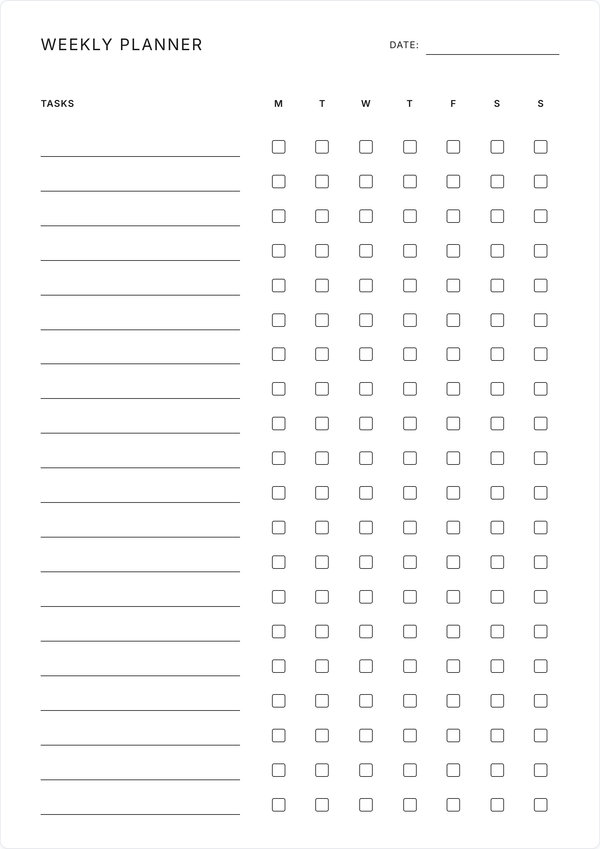
Weekly Checklist Planner
Track up to 20 tasks with daily checkboxes. Great for habit tracking and recurring weekly tasks.
Get Started →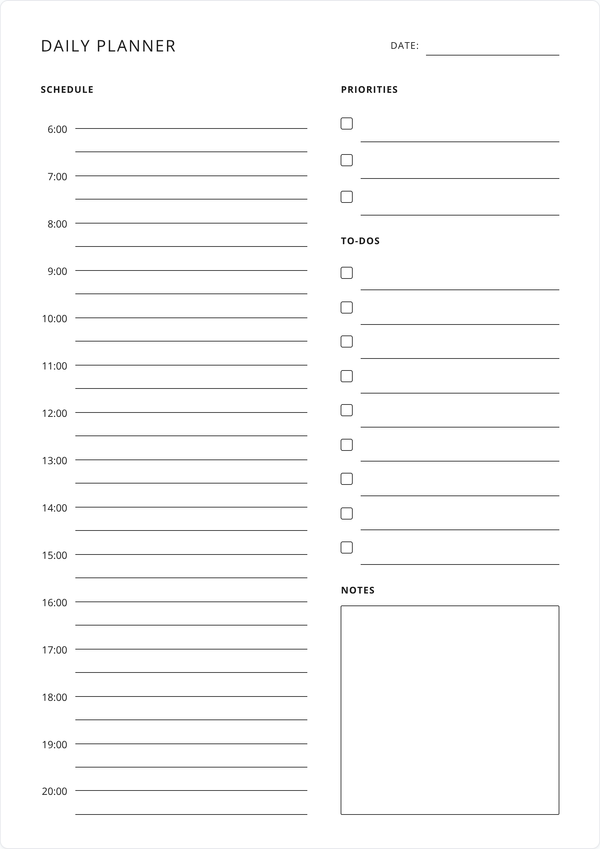
Daily Planner
Need more detail than a weekly view? Plan a single day hour by hour with priorities, to-dos, and notes.
Get Started →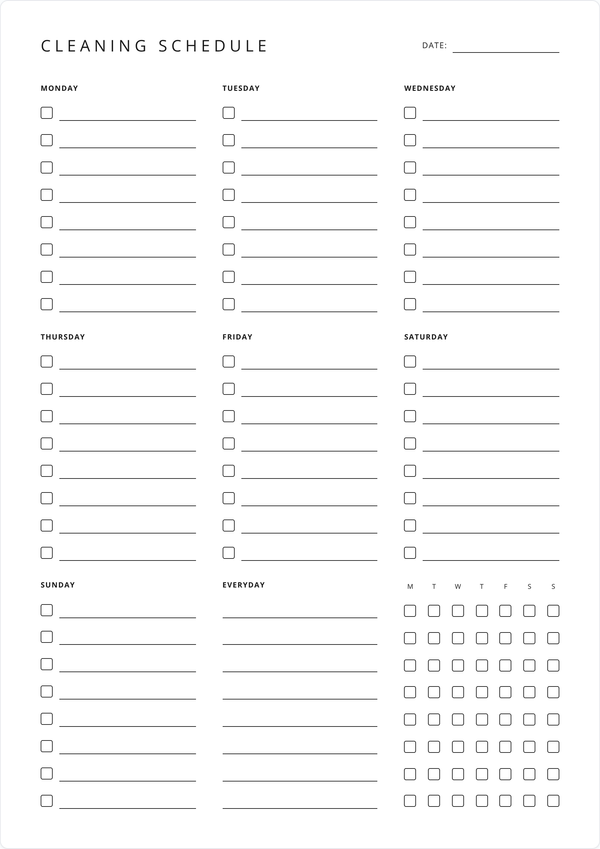
Weekly Cleaning Schedule
Organize cleaning tasks by day of the week. Includes everyday chores section with daily checkboxes.
Get Started →