Free Printable Goal Planner
A template that allows you to set one goal, break it into up to 20 steps with a deadline for each, and tick them off as you go. Fill it in online and print or save as PDF for free.
About This Free Goal Planner
To reach a goal, you need to state it clearly and set actionable steps for achieving it. This free printable goal planner has room for both on one page: the goal on a single line at the top, and up to 20 action steps below it, each with a deadline beside it.
How to Use This Goal Planner Template
- Write your goal on the top line. Make it specific enough to tick off, like "Run a 10K by June".
- List the steps in the order you plan to take them, and give each one a date in the DEADLINE column. Break a big step into smaller ones you can finish in a day or a week.
- Print the sheet and keep it where you will see it. Tick each step as you finish it, and use the notes box for setbacks, adjustments or anything else you see fit.
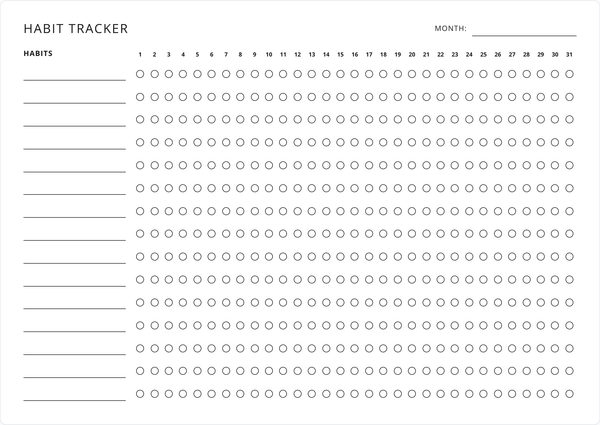
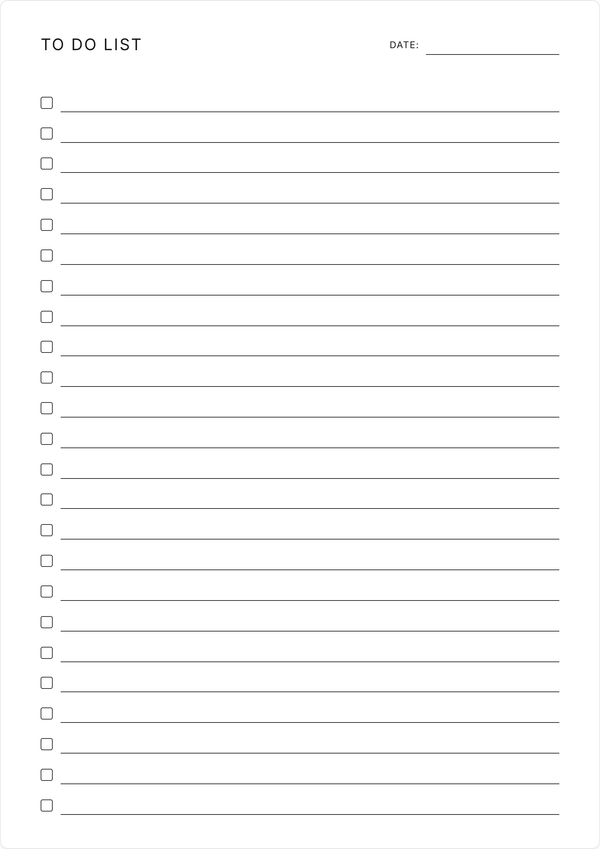
Some goals rest on a daily habit as much as on a list of steps. Pair this sheet with the habit tracker to keep that habit going, or copy the steps for this week onto a to do list.
Why Plan Your Goal on Paper?
A printed plan stays in view on your desk or the fridge, and you can see at a glance how many steps are done and which deadline comes next. Having checkboxes alongside each step allows you to easily keep track of your progress as you go.
Use this goal planner template for one big goal, such as saving for a trip or finishing a course, or print a sheet for each goal and keep them in a binder. It also works as a goal setting template at the start of the year, or as an action plan template for a project at work: put the outcome on the goal line and the tasks below it.
Features
One Goal, 20 Steps
A line for the goal at the top and 20 rows below it for the steps that get you there.
A Deadline for Each Step
A column beside each step for the date you plan to finish it by.
Tick Off Your Progress
Round boxes for the steps and a square one for the goal. Switch the steps to squares if you prefer.
Room for Notes
An open box at the bottom for anything you want to add along the way.
Fonts & Colors
Create a unique look for your template using the font and color controls.
Prints on One Page
The goal, all 20 steps and the notes box fit one sheet of A4 or Letter.
Frequently Asked Questions
Is this goal planner really free?
Yes. Fill it in, print it, and come back for a fresh copy whenever you start a new goal. There is no fee and no account.
How do I use the goal planner?
Write your goal on the top line, list the steps that lead to it in the ACTION PLAN rows, and add a deadline beside each one. Print the sheet and tick each step as you finish it.
How many steps can I plan?
Twenty, each with its own deadline. For a bigger goal, split it into stages and give each stage a sheet of its own.
What kind of goals does it suit?
Any goal you can break into steps: a fitness target, a savings goal, a course or a side project. For something you want to do every day, the habit tracker is the better fit.
Do I have to set a deadline for every step?
No. Leave the deadline blank on a step you cannot date yet and fill it in later. A date on the final step is enough to give the whole goal a finish line.
Why is the goal box square and the step boxes round?
The goal has a square box so it stands apart from the steps that lead to it. The Square and Circle toggle above the sheet switches the step boxes, and the goal box stays square.
What should I write in the notes box?
Use it for anything that helps you finish, such as the reason the goal matters or the reward you have planned for the end.
Can I plan more than one goal?
Use one sheet per goal. Fill in the first and print it or save it as a PDF, then clear the sheet and write the next.
What paper size does it print on?
A4 and US Letter both work, and the whole plan fits on a single page in either size.
Can I save my goal plan as a PDF?
The Save as PDF button downloads a copy with your goal and steps filled in, laid out the way it prints.
Will my plan still be here when I come back?
Your entries save in your browser as you type, so the sheet is how you left it next time you open the page. Clearing your browser data removes it, so save a PDF of any plan you want to keep.
Can I customize the fonts and colors?
The Fonts and Colors buttons open panels for restyling the sheet, and your choices carry through to print and PDF.